Put a habit — or a whole goal — on the calendar
"Add to Schedule" works on a single habit or an entire goal at once. Choose daily, weekly on the days you pick, or monthly on the dates you pick, and set an end date if the commitment has one. Then just show up.
A month you can read
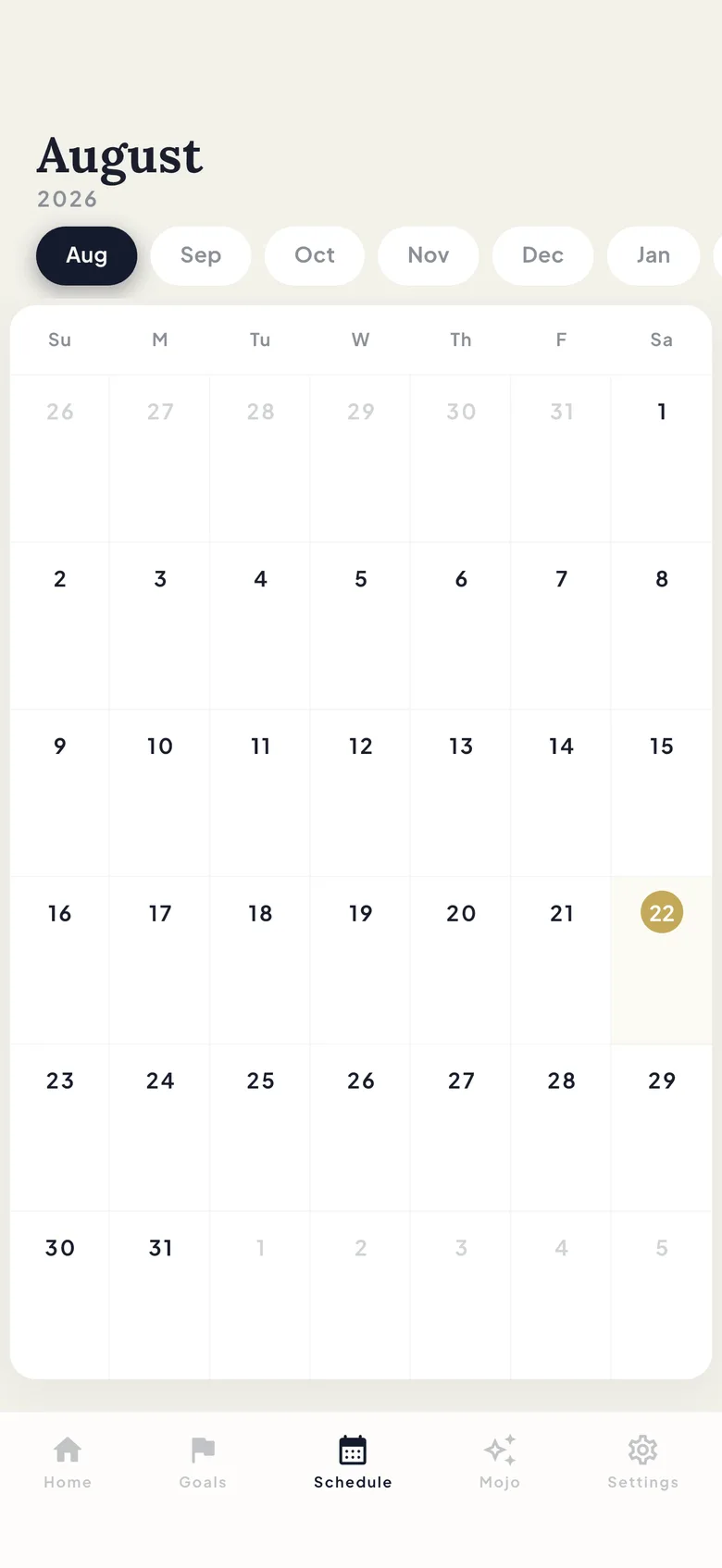
The Schedule tab is a month grid with a dot on every scheduled day. Month chips jump you straight to any month — no endless swiping to find March.
Log where you plan
Select a day and the tab shows that day’s GOALS and HABITS, ready to log right there. Planning and doing share one screen, so there’s no round trip through the rest of the app.
FAQ
Schedule & calendar: your questions, answered
Can I schedule a whole goal?
Yes. "Add to Schedule" works on any habit or any goal, with the same daily, weekly or monthly patterns and an optional end date.
What schedule patterns are supported?
Daily, weekly on the weekdays you choose, or monthly on the dates you choose. Any schedule can carry an end date for commitments that finish.
Can I log directly from the Schedule tab?
Yes. Select a day and its goals and habits appear under the calendar — logging happens right there, no detour.
What do the dots on the calendar mean?
A dot marks a day with something scheduled. Tap the day to see exactly which goals and habits it holds.
Learn it hands-on
Guides for schedule & calendar
Try it in the app
Every feature is free for up to 10 habits — no trial, no lock-in, no credit card.