Separate spaces, one device
Each profile is a fully separate space — its own goals, habits, streaks and media. Nothing bleeds across: your marathon plan doesn’t show up next to your kid’s reading log.
That makes two setups natural: split work and personal tracking, or share one device across the family — a kid’s reading habit, a parent’s budget, each in its own world.
Switching takes two taps
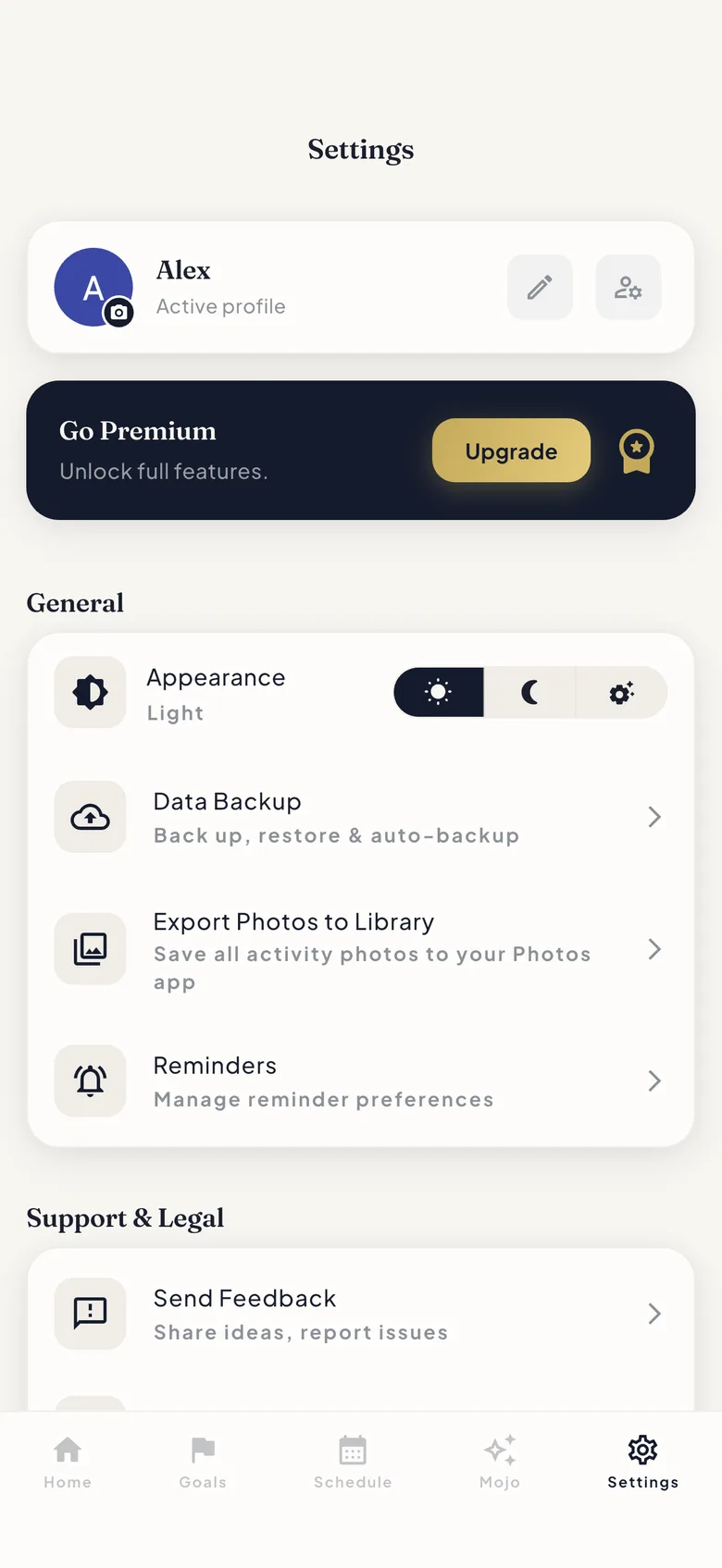
Switch from the Home header — your name and avatar sit right there — or from Settings. Creating a profile takes a name and an avatar photo, and you can rename it whenever the name stops fitting.
Archive, restore, or delete for good
Done with a profile but not with its history? Archive it — restore brings everything back. Delete is the permanent option, and it means permanent: the profile and its data are gone.
Either way, nothing ever left your phone. ProtoHabit keeps all data on-device and encrypted, with export in your hands.
FAQ
Profiles: your questions, answered
Do profiles share any data?
No. Each profile is fully separate — goals, habits, streaks, media. Switching profiles switches the entire space.
How do I switch profiles?
Tap your name and avatar in the Home header, or go through Settings. Either way it’s a couple of taps.
Can my family share one device?
Yes — that’s a core use case. Give each person a profile with their own name and avatar: a kid tracks reading, a parent tracks the budget, and each keeps their own goals, habits and streaks.
What’s the difference between archiving and deleting a profile?
Archiving tucks a profile away and lets you restore it later, history intact. Deleting is permanent — the profile and everything in it are removed for good.
Learn it hands-on
Guides for profiles
Try it in the app
Every feature is free for up to 10 habits — no trial, no lock-in, no credit card.